
Eliora Connect – Fast, Secure & Simple Video Meetings
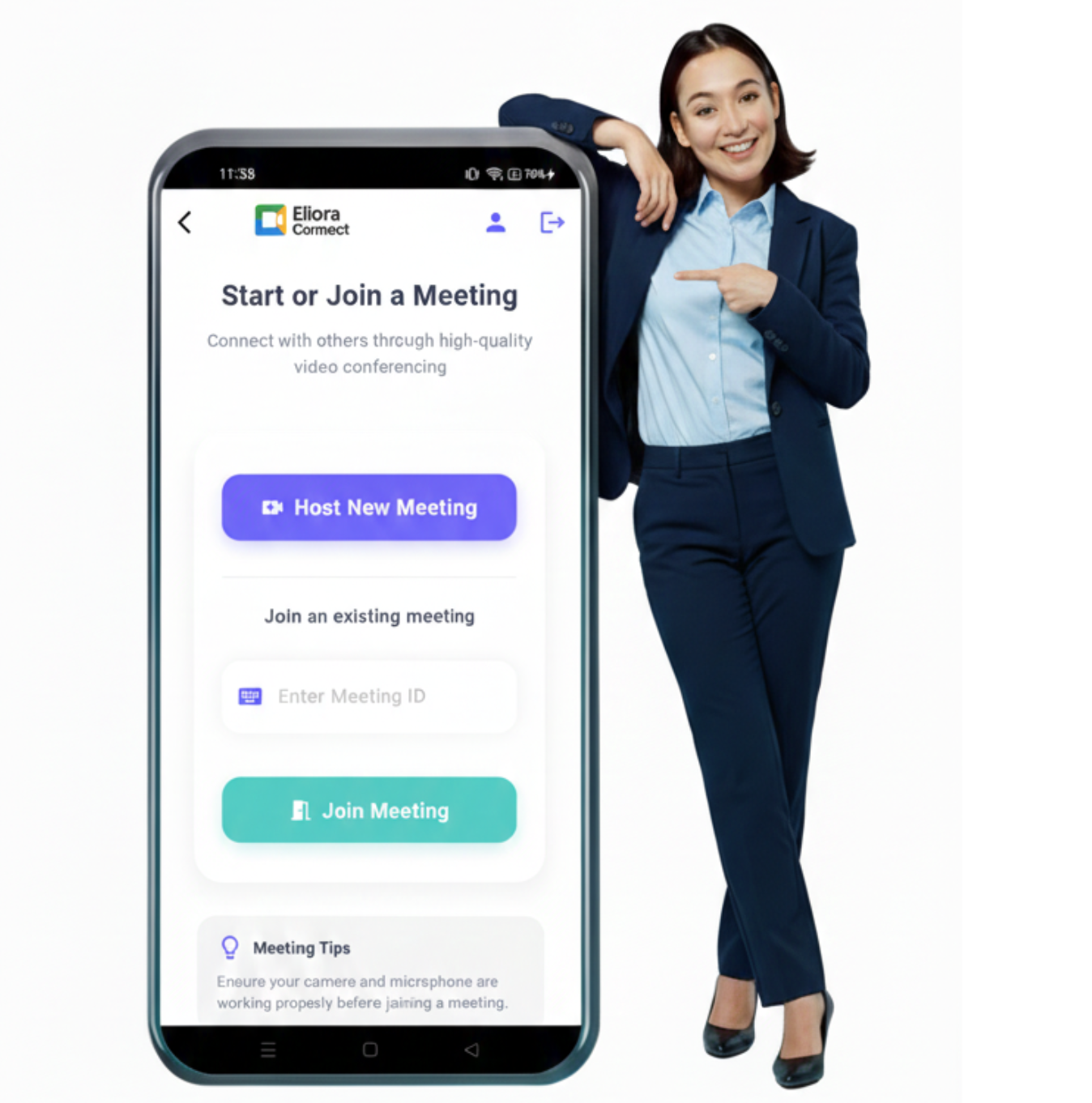
Eliora Connect lets you host or join smooth, high-quality video meetings. Chat, share your screen, manage participants, and use powerful host controls. Simple, secure, and designed for fast collaboration on Android.
Why Choose Eliora Connect?
Eliora Connect is designed to make online communication effortless, smooth, and secure. Whether you're meeting with your team, taking an online class, or catching up with friends, the app provides a clean and reliable space to connect. With crystal-clear video and audio calling, a secure waiting room for controlled entry, and a real-time chat system, Eliora Connect makes every meeting more organized and stress-free. The interface is simple, fast, and easy to navigate—ideal for both casual users and professionals.
Mission Statement
Our mission is to make online communication simple, secure, and accessible for everyone. Eliora Connect aims to provide reliable video meetings with features that help people work, learn, and connect without barriers.
Our Features
Experience a smooth, secure, and modern meeting system designed for teams, interviews, and virtual collaboration.
Video & Audio Calls
This app lets you join high-quality video and voice meetings without lag. A smooth and clear communication experience is built right in.
Waiting Room
Your meetings stay secure with a waiting room feature. Participants can join only after the host approves them.
Chat
You get an instant chat option inside the meeting. Send messages anytime, with unread counts for new messages.
Screen Sharing
The app allows you to share your screen in one click. A timer also shows how long you’ve been sharing.
Reactions
Use quick reactions like raise hand or thumbs up. These reactions appear instantly to the host during meetings.
Host Controls
The host gets full control over the meeting. Mute, block, or turn mic/camera on or off for any participant.
Grid / Focus View
Choose how you want to view others in the meeting. Switch easily between grid view or speaker-focused view.
Notifications
The app sends smart notifications to the host. You’ll get instant alerts when someone joins or reacts.
How to Install the App
Follow these simple steps to download and set up the app on your device. The process is quick, secure, and takes less than a minute to complete.

Download the App
Click the Download button above to start downloading the APK file.

Allow the Download
If your device shows a Google Drive or security prompt, simply allow the download to continue.
Locate the APK File
Open your device’s Downloads folder and find "eliora_connect.apk".
Install & Start Using
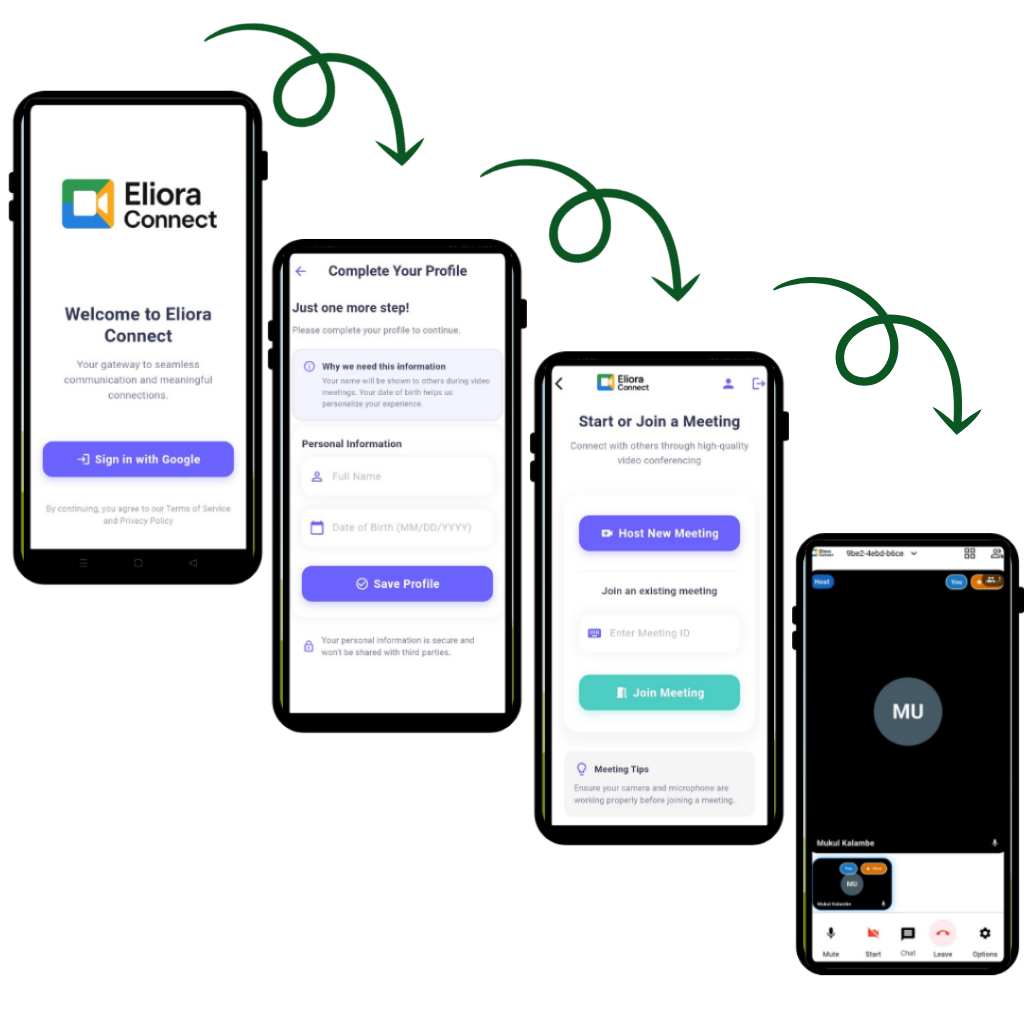
Tap the APK to install (enable Unknown Sources if asked). Once installed, open the app and create or join a meeting using the Meeting ID.